Download Samsung firmware for device Galaxy Grand Duos GT-I9082 with region PAP nationality European Union. This firmware has version number PDA I9082XXXMA4_LLK and CSC I9082PAPXMA4_LLK. The operating system of this firmware is Android 4.1.2 Jelly Bean
| Model |
GT-I9082 |
| Name |
Galaxy Grand Duos |
| Region |
PAP - European Union |
| OS Version |
4.1.2 Jelly Bean  |
| PDA |
I9082XXXMA4_LLK |
| CSC |
I9082PAPXMA4_LLK |
| MODEM |
I9082XXXMA4_LLK |
| Size |
N/A |
| Changelist |
N/A |
| Build date |
N/A |
| Security Patch Level |
N/A |
Download the latest firmware for your Galaxy Grand Duos GT-I9082 smartphone or any other Samsung device with SamUpdate.
Heads up
We at KF Host are not responsible for any damage caused to the Galaxy Grand Duos GT-I9082 or any other device. The responsibility lies entirely with the user.
Download
Want to Invest in the Crypto Market? Create Your Account Now at Bitget And Start Investing In The Market With The Greatest Power To Multiply Your Capital And By Creating Your Account With Our Link You Still Help The KF Host Project. See our portfolio
firmware Galaxy Grand Duos
Heads up
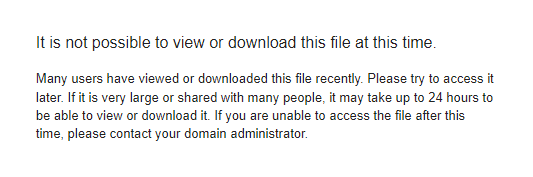
If you receive the message below when trying to download from Google Drive, visit our video teaching step by step how to solve Watch
Installation requirements
Flashing guide:
- Download and extract a zip file containing the desired firmware.
- Open the Odin Tool
- Start your Galaxy Grand Duos GT-I9082 in "Download Mode":
Press the Volume Down, Power, and Home buttons at the same time for 5-8 seconds until the download mode is activated.
- Connect your Galaxy Grand Duos GT-I9082 to PC via USB cable while in download mode.
- Then check the "Auto Reboot" and "F. Reset Time" options in the Odin Tool.
- Press the AP/PDA button, then browse and select a tar.md5 file in the extracted folder.
- Finally, press the start button to start applying the firmware update via flash to your Galaxy Grand Duos GT-I9082.
If you have any doubts about how to install the firmware, see video tutorial
see video.



Comment
Aguarde, carregando...